
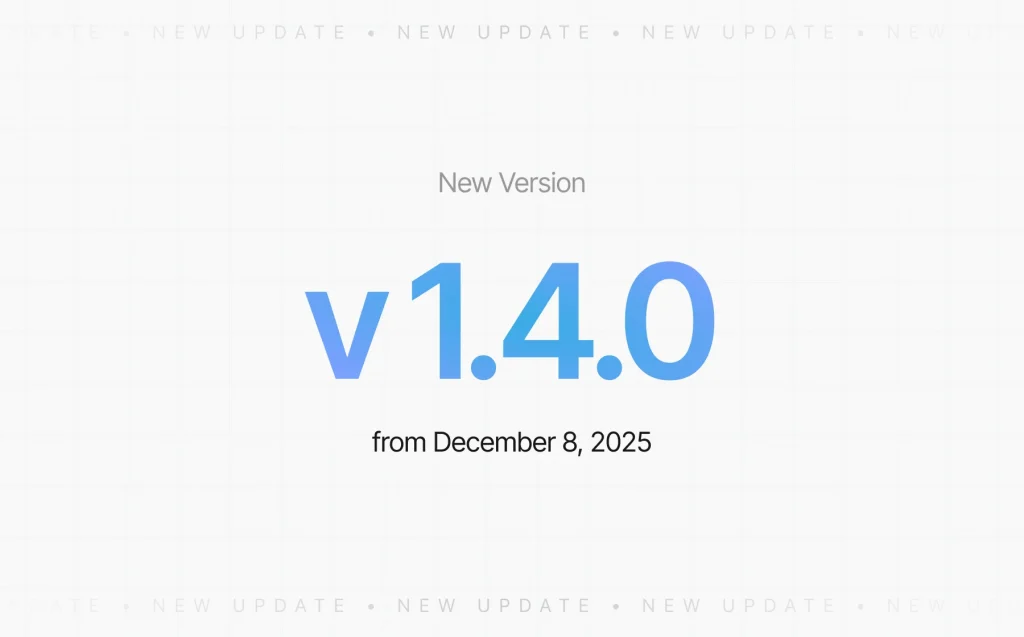
We’ve released update v1.4.0, introducing a major improvement to how panoramas are organized and reused across your projects.
What’s new:
1. Unified Panorama Library
The Panoramas tab now displays all panoramas from all your projects in one place.
You can reuse any previously uploaded panorama in multiple tours without uploading it again.
2. Batch Panorama Upload
You can now upload multiple panoramas at once, making project setup significantly faster — especially for large real estate or interior projects.
3. Reuse Panoramas When Creating New Scenes
When adding a new scene, you can simply select an existing panorama from your library.
This dramatically improves workflow efficiency and helps keep your assets organized.
Important:
When a panorama is deleted, all of its connections inside tours are deleted as well.
This ensures clean structure and prevents broken links inside your projects.
The update is now available to all Space Tour users.
Upcoming Feature Preview
You may have already noticed the new “Create” button.
It will become fully available next year — and we can already say one thing: it’s going to be something truly unique 😉